: How to Choose the Right Platform
The best review management software depends on your business size, customer journey, review channels and the level of automation you actually need. TrustNinja is designed for businesses that want a simple way to create feedback and review opportunities through everyday email, QR codes and reputation-management workflows.

Quick Answer
What Is the Best Review Management Software?
There is no single review management platform that is best for every business. The right software should match how you collect feedback, where customers leave reviews, how many locations you manage and how much automation your team needs. Leading platforms range from enterprise multi-location suites to e-commerce review tools and lightweight small-business systems. TrustNinja is positioned around practical customer feedback using email signature surveys, QR codes and review-management workflows.

The Problem
Why Choosing Review Management Software Can Be Difficult
Review management has become a broad software category. Some platforms focus on enterprise reputation intelligence, others on e-commerce product reviews, local listings, SMS campaigns, review monitoring or agency reporting. A business can easily pay for features it does not need, or choose a basic tool that does not match its actual customer journey.
Businesses compare platforms with very different feature sets under the same review management label.
Enterprise tools can include functionality that smaller businesses may never use.
Low-cost tools may focus on review requests but offer limited monitoring or multi-location support.
Some products are built mainly for e-commerce product reviews rather than local service reviews.
Teams may choose software without considering how customers actually interact with the business.
Review collection, feedback, monitoring and social activity can become fragmented across separate tools.
The best choice is the platform that matches how your customers actually interact with your business, not the one with the longest feature list.

Why It Matters
What Good Review Management Software Should Help You Achieve
Build Customer Trust
Review software should make it easier to collect and manage genuine customer experiences, giving prospective customers useful context when they evaluate a business.
Improve Your Online Reputation
A good platform helps you monitor feedback, identify recurring issues and respond appropriately rather than treating review collection as a one-off campaign.
Strengthen Local Search Visibility
Google states that review count and scores factor into local ranking alongside relevance, distance and prominence. Software can support a consistent process, but it cannot guarantee rankings.
Support Enquiries and Decisions
Recent, genuine customer experiences give prospects useful information. The software should reduce friction for customers while giving the business a repeatable way to manage feedback.
How It Works
How to Choose the Best Review Management Software
Define Where Your Reviews Matter
Identify the review platforms and customer touchpoints that matter to your business. A local service company focused on Google has different requirements from an e-commerce brand collecting product reviews.
Match Software to Your Journey
Look at how customers interact with your business. If your team communicates heavily by email, email feedback may matter. If customers visit physical locations, QR codes may be more useful. Many branches make location management more important.
Compare the Core Review Features
Evaluate review invitations, direct links, QR codes, feedback collection, monitoring, response workflows, reporting, integrations and multi-location controls. Prioritise the features your team will actually use.
Check Use, Pricing and Scalability
Compare setup effort, user limits, location-based pricing, request limits and whether important functionality is restricted to higher plans. The cheapest tool is not always the best value if the team does not use it consistently.
Test the Workflow First
Where possible, use a free trial or controlled pilot. Test how easily staff can use the system, how customers experience the feedback journey and whether the reporting is useful. The best software fits your real operating process.
The TrustNinja Solution
Manage Your Online Reviews with TrustNinja
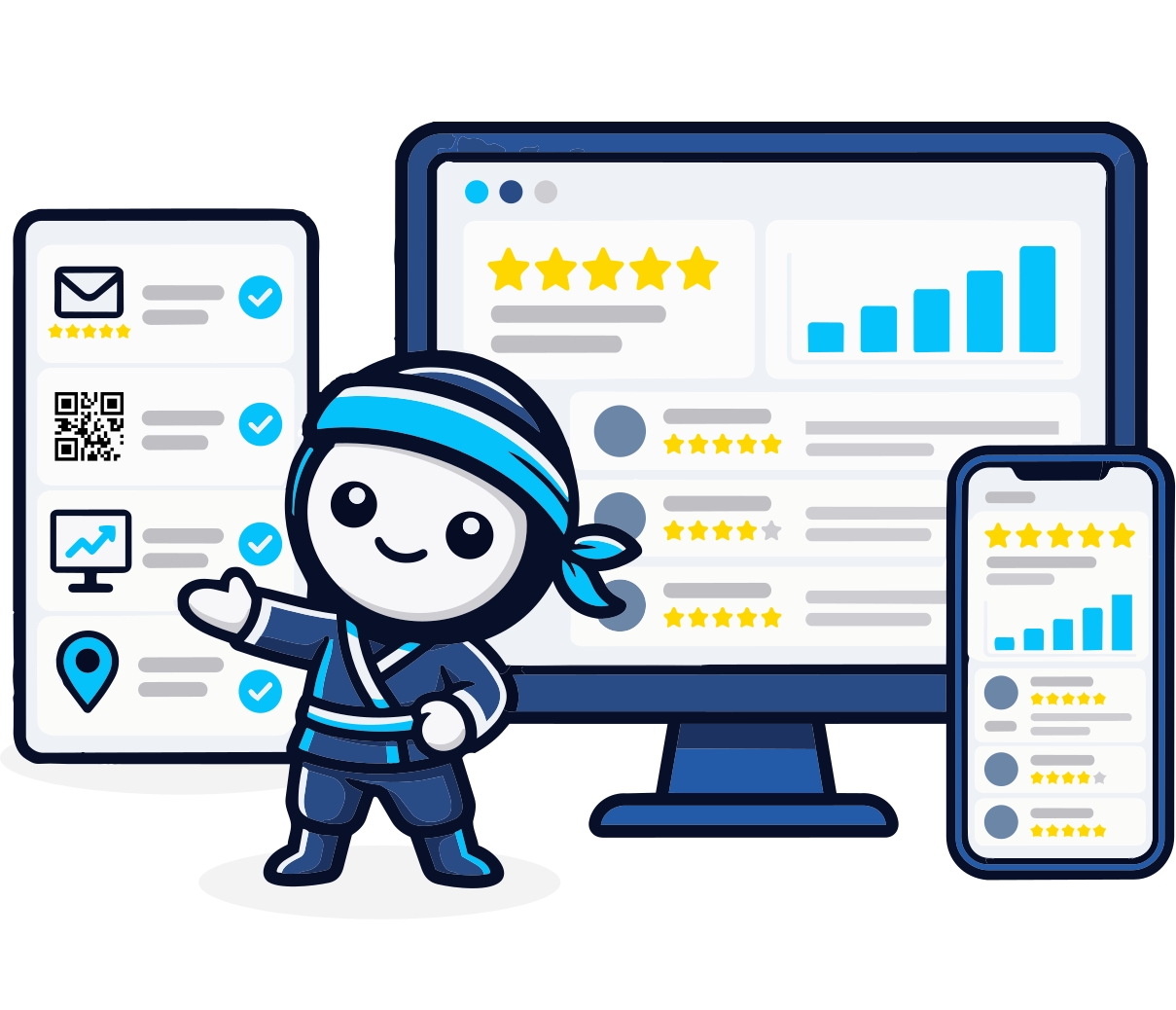
TrustNinja is designed for businesses that want review management to fit naturally into everyday customer interactions. Its approach combines email signature feedback, QR-code touchpoints and supporting automation rather than relying only on separate review-request campaigns.
Email Signature Survey
- What it is
- A customer feedback prompt embedded in everyday business emails.
- How it works
- Customers can respond from routine communication.
- Business outcome
- Creates an always-on feedback touchpoint without a separate survey request every time.
Review Invitations
- What it is
- A structured way to invite genuine customers to share feedback or reviews.
- How it works
- Review opportunities are incorporated into appropriate customer touchpoints.
- Business outcome
- Improves consistency and reduces dependence on staff memory.
QR Code Reviews
- What it is
- A scannable review and feedback touchpoint.
- How it works
- QR codes can be placed on receipts, invoices, tables, counters or printed material.
- Business outcome
- Connects physical customer experiences to digital feedback.
Google Review Links
- What it is
- A direct path to the relevant Google review experience.
- How it works
- Businesses can share the appropriate review destination in customer communication.
- Business outcome
- Reduces friction for genuine customers.
Review Monitoring
- What it is
- An organised process for keeping track of review and feedback activity.
- How it works
- Review and feedback activity is tracked in one place.
- Business outcome
- Helps the business identify reputation issues and customer sentiment more consistently.
Reputation Management
- What it is
- The ongoing process of requesting genuine feedback, monitoring reviews and improving the customer experience.
- How it works
- Requests, monitoring and responses are handled as one repeatable workflow.
- Business outcome
- Moves reputation management from reactive to repeatable.

Who This Is For
Who Should Consider TrustNinja?
TrustNinja is particularly relevant to businesses that want straightforward review and feedback workflows tied to customer communication. It may be a strong fit where email and in-person customer interactions matter more than complex enterprise reputation intelligence or e-commerce product-review syndication.
Service-Based Businesses
Use email and post-service customer interactions to create repeatable feedback and review opportunities.
Hospitality, Restaurants & Cafes
Combine QR-code feedback at physical locations with digital guest communication.
Trades and Home Services
Add feedback to quotations, scheduling, invoices and completed-job communication.
Professional Service Providers
Build customer feedback into appropriate client communication while keeping the workflow simple.
Retail Businesses
Use QR codes and customer-service communication to create review opportunities.
Multi-Location Businesses
Standardise review processes while ensuring customers reach the correct location-specific review destination.
Compare
Separate Tools vs an Integrated TrustNinja Workflow
| Separate Tools | TrustNinja | |
|---|---|---|
| Review collection | Review requests handled by a standalone tool | Email signature feedback, QR codes and review workflows together |
| Customer feedback | A separate survey tool or manual follow-up | Feedback built into everyday customer touchpoints |
| In-person workflow | Often not covered | QR-code feature for feedback at the point of service |
| Email workflow | Not tied to normal email communication | Email Signature Survey inside routine emails |
| Monitoring | Spread across multiple dashboards | Review-monitoring workflow in one place |