How to Get for Your Business
Get more genuine Google reviews by making it easier for customers to share their experience. TrustNinja helps businesses build review requests into everyday customer touchpoints using email signature surveys, QR codes and a structured review-management process.

Quick Answer
How Can a Business Get More Google Reviews?
To get more Google reviews, ask genuine customers for feedback at the right time and make the review process easy. Google allows businesses to share a direct review link or QR code through receipts, thank-you emails, chat interactions and in-store displays. TrustNinja helps turn these individual tactics into a repeatable review-management process using email signature surveys, QR-code touchpoints and customer feedback tools.

The Problem
Why Businesses Do Not Get Enough Google Reviews
A business can serve hundreds of satisfied customers and still receive very few online reviews. The problem is usually not the absence of customer experiences; it is the absence of a simple, consistent review-request process. Customers move on with their day, while staff focus on delivering the service rather than remembering to ask for feedback.
Customers often intend to leave a review but forget once the interaction is over.
Staff ask for reviews inconsistently because the process depends on memory.
Customers may struggle to find the correct Google Business Profile.
Long review instructions or extra steps increase friction.
Businesses may ask for reviews only occasionally instead of making requests part of the customer journey.
Customer feedback can remain invisible until a public review appears.
Multi-location businesses can struggle to direct customers to the correct branch or profile.
The objective is therefore not simply to ask more often. It is to create a reliable system that makes it easy for genuine customers to share an honest experience.

Why It Matters
Why More Genuine Google Reviews Matter
Build Customer Trust
Google reviews give prospective customers information from people who have interacted with a business. Google states that reviews appear alongside Business Profiles in Search and Maps and can help businesses stand out.
Improve Your Online Reputation
A steady flow of genuine customer feedback gives a more current picture of the customer experience. Monitoring and responding to reviews also gives businesses an opportunity to demonstrate that customer feedback is taken seriously.
Strengthen Local Search Visibility
Google states that review count and review scores factor into local search ranking, alongside relevance, distance and prominence. Reviews should therefore be earned through genuine customer experiences rather than manipulated.
Support Enquiries and Customer Decisions
Reviews can provide useful context to people comparing businesses. More genuine, recent feedback gives prospective customers additional information when deciding whether a business is suitable for their needs.
How It Works
5 Practical Steps to Get More Google Reviews
Create a Simple Review Process
Decide when customers should be invited to share feedback and make that moment part of the normal customer journey. Good opportunities may include after a completed service, successful appointment, purchase, delivery or resolved support interaction.
Use a Direct Google Review Link
Google lets eligible businesses create a shareable review-request link from their Business Profile. Use the correct link so customers do not have to search manually for the business or location.
Add QR Codes to Physical Customer Touchpoints
Use a review QR code on receipts, invoices, counters, tables, menus, posters or other appropriate material. Google specifically supports sharing review QR codes and links to make it easier for customers to leave genuine reviews.
Build Review Requests Into Everyday Communication
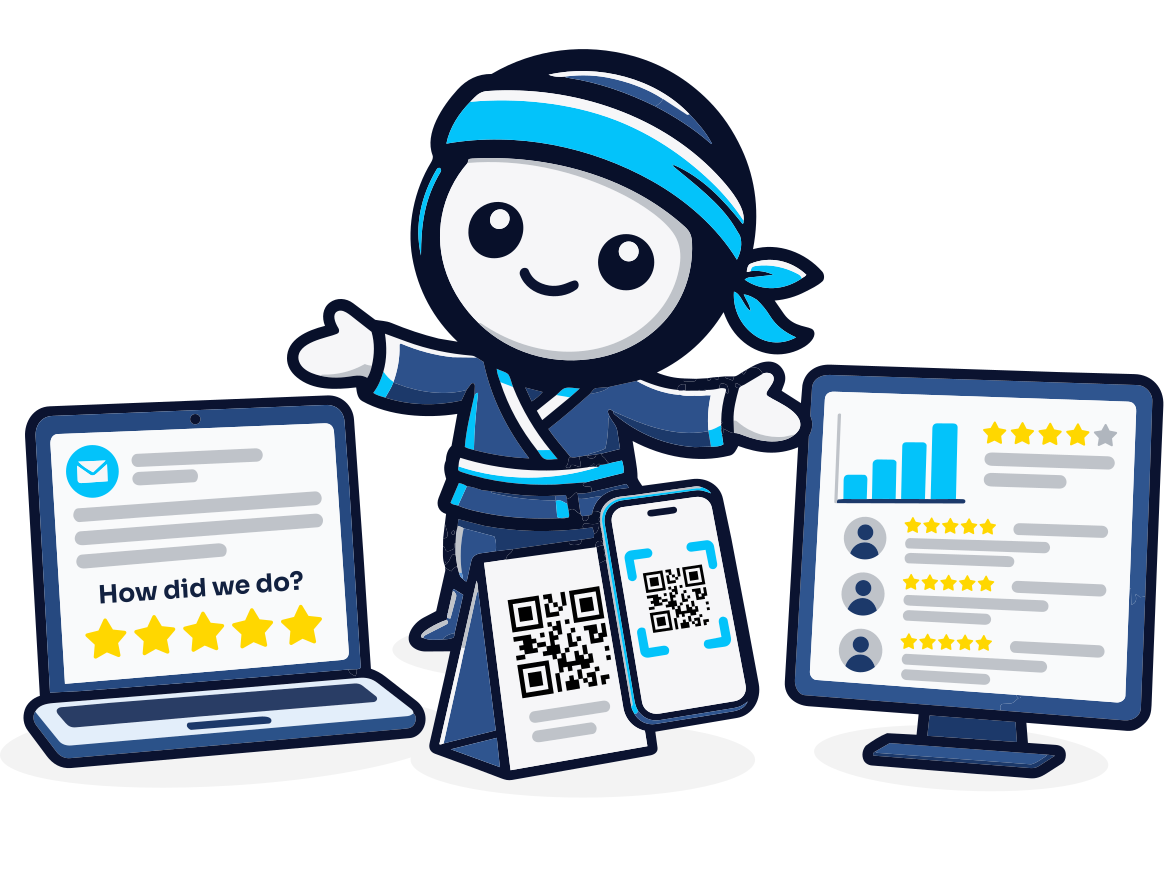
Use thank-you emails, customer messages and appropriate follow-up communication to remind customers that they can share their experience. TrustNinja's email signature survey can also create an ongoing feedback touchpoint inside routine business emails.
Monitor, Respond and Improve
Reply to customer reviews professionally and use recurring feedback themes to improve service. Google recommends replying to reviews to show customers that their feedback matters. A sustainable review strategy should improve both review collection and the underlying customer experience.
The TrustNinja Solution
Manage Your Online Reviews with TrustNinja
TrustNinja helps businesses move from occasional review requests to a repeatable review-management process. Its email signature survey, QR-code feature and supporting automation tools create more opportunities for genuine customers to share feedback while giving the business a clearer system for managing its online reputation.
Review Invitations
- What it is
- A consistent process for inviting genuine customers to share feedback or reviews.
- How it works
- Review opportunities are built into appropriate customer touchpoints.
- Business outcome
- Reduces dependence on staff remembering to make one-off requests.
Google Review Links
- What it is
- A direct path to the relevant Google review experience.
- How it works
- The review link can be shared through digital customer communications.
- Business outcome
- Reduces the number of steps required for customers to find the correct review destination.
QR Code Reviews
- What it is
- A scannable review touchpoint for physical environments.
- How it works
- Customers scan the QR code from receipts, invoices, tables, posters or counters.
- Business outcome
- Makes review requests accessible at the point of customer interaction.
Email Signature Survey
- What it is
- A customer feedback prompt built into everyday business emails.
- How it works
- Customers can interact with the feedback option from routine communication.
- Business outcome
- Creates an ongoing feedback channel without requiring a separate survey message every time.
Review Monitoring
- What it is
- A structured way to monitor customer feedback and review activity.
- How it works
- Businesses keep track of customer sentiment and identify issues requiring attention.
- Business outcome
- Improves visibility over online reputation.
Customer Feedback
- What it is
- Structured information about customer experiences.
- How it works
- TrustNinja creates accessible feedback opportunities across email and QR-based touchpoints.
- Business outcome
- Helps management identify strengths, recurring issues and opportunities for service improvement.
Reputation Management
- What it is
- The ongoing process of collecting genuine feedback, requesting reviews, monitoring customer sentiment and responding appropriately.
- How it works
- TrustNinja brings these activities into a repeatable system.
- Business outcome
- Supports a more consistent approach to building online trust.
Social Media Automation
- What it is
- An additional TrustNinja capability that reduces repetitive social-media activity.
- How it works
- Businesses can use automation to reduce repetitive social-media administration.
- Business outcome
- Supports a more consistent digital presence alongside review and reputation management.

Who This Is For
Who Can Use TrustNinja to Get More Google Reviews?
TrustNinja is designed for businesses that depend on customer trust, local visibility and online reputation to win new customers. It is particularly useful where the business has regular customer interactions but does not yet have a consistent process for requesting feedback and reviews.
Service-Based Businesses
Request feedback after completed appointments, consultations, projects, support interactions and recurring services.
Hospitality, Restaurants and Cafes
Use QR codes and digital follow-ups to create review opportunities after genuine guest experiences.
Accommodation Providers
Invite guests to share their experience after stays, checkouts and completed guest interactions.
Retail Stores
Use receipts, counters, digital order communication and customer-service follow-ups as appropriate review touchpoints.
Trades and Contractors
Request feedback after installations, repairs, maintenance, inspections and completed jobs.
Professional Service Providers
Build neutral review requests into appropriate post-service, project-completion or client follow-up communication.
Healthcare Practices
Use appropriate, neutral feedback requests while complying with privacy, ethical and professional requirements that apply to the practice.
Multi-Location Businesses
Standardise the review process while directing customers to the correct branch or location-specific Google Business Profile.
Compare
Manual Review Requests vs a Structured Review Management Process
| Manual Review Requests | TrustNinja Review Process | |
|---|---|---|
| When reviews are requested | Occasionally, when staff remember | Built into defined customer touchpoints |
| Digital access | Customer may need instructions or a manual search | Direct review links can reduce friction |
| In-person access | Staff must explain what to do | QR codes can create a scannable review opportunity |
| Email feedback | Requires a separate follow-up process | Email signature surveys can create an ongoing feedback touchpoint |
| Consistency | Varies by employee or location | Can be standardised across the business |
| Customer insight | Feedback may be fragmented | Structured feedback can support service improvement |
| Reputation management | Reactive | Designed as an ongoing business process |