Google Review for Businesses
Make it easier for customers to review your business without searching for your Google profile. TrustNinja turns everyday customer touchpoints into simple review opportunities using a scannable QR code connected to your customer feedback and review process.

Quick Answer
What Is a Google Review QR Code Generator?
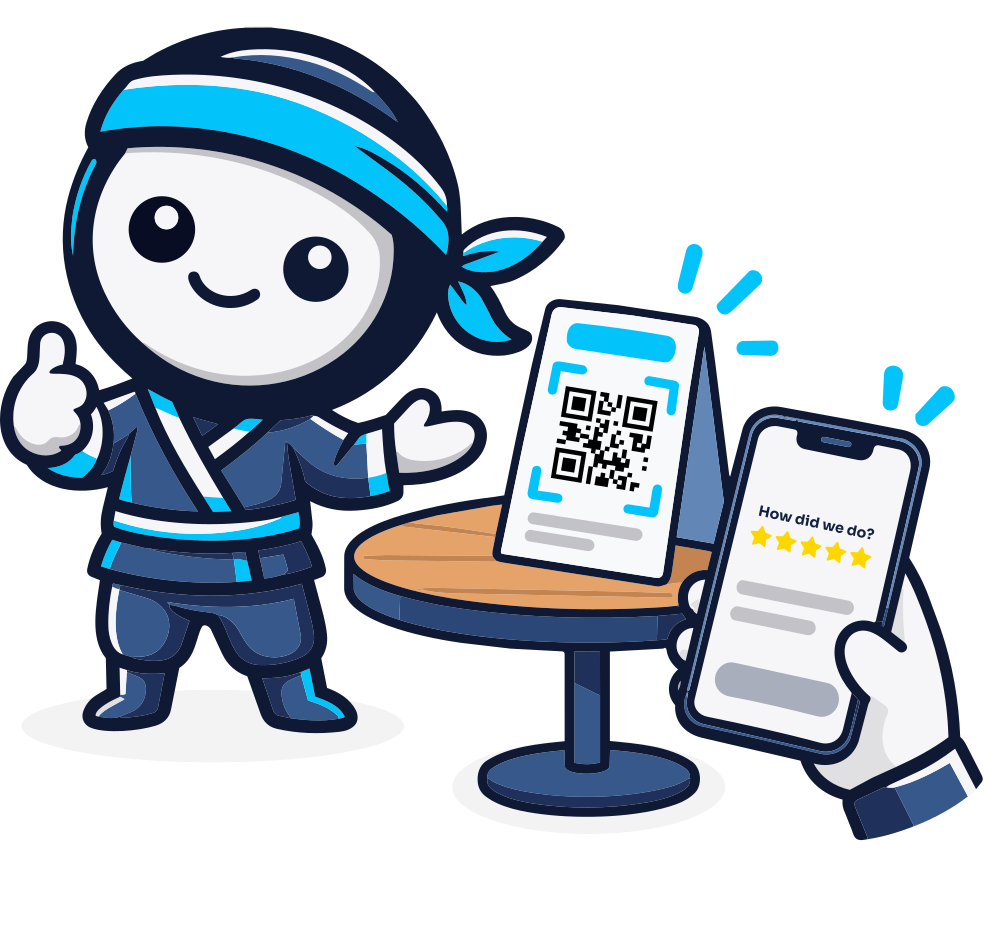
A Google review QR code generator creates a scannable code that helps customers access a business's review request journey from their smartphone. Businesses can place the QR code on receipts, invoices, tables, posters, business cards or other customer touchpoints. TrustNinja adds QR-code review collection to a broader review-management system, helping businesses create a consistent process for collecting genuine customer feedback and reviews.

The Problem
Why Businesses Struggle to Generate Consistent Google Reviews
The biggest obstacle is often not customer willingness but friction. A customer may have had a good experience and still never leave a review because they have to search for the business, find the correct profile and navigate to the review section later. Manual review requests also depend heavily on staff remembering to ask.
Customers often forget to leave a review after they leave the business or complete the service.
Staff do not always remember to ask customers for feedback or reviews.
Customers may struggle to find the correct Google Business Profile.
Long or awkward review links are difficult to use in physical customer environments.
Businesses may not have a structured process for collecting feedback across different touchpoints.
Important customer feedback can be missed when review collection is handled informally.
Businesses with multiple staff members or locations can struggle to maintain a consistent review-request process.
A QR code reduces this friction by giving customers a simple action: scan the code and follow the review or feedback journey from their phone.

Why It Matters
Why Google Reviews and Easy Review Access Matter
Build Customer Trust
Google reviews provide prospective customers with first-hand information from people who have interacted with a business. Google notes that reviews appear alongside Business Profiles in Maps and Search and can help businesses stand out.
Improve Your Online Reputation
A consistent review and feedback process gives businesses more visibility into customer sentiment. Genuine reviews create a public record of customer experiences, while feedback can help management identify opportunities to improve service.
Support Local Search Visibility
Google Business Profile reviews are visible in Google Search and Maps. Google encourages businesses to remind genuine customers to leave reviews using a review link or QR code, provided the business does not offer incentives or attempt to influence the rating or content.
Support Enquiries and Customer Decisions
Reviews can provide useful information to people comparing businesses. Removing unnecessary steps from the review process makes it easier for genuine customers to share their experiences, which can strengthen the amount of useful customer information available to future prospects.
How It Works
How to Use a Google Review QR Code with TrustNinja
Create Your TrustNinja Review Profile
Set up the business inside TrustNinja and configure the customer feedback and review journey associated with the business.
Generate Your QR Code
Create a scannable TrustNinja QR code that customers can access from a smartphone. The QR code becomes the bridge between an offline customer interaction and the online feedback or review journey.
Place the QR Code at Customer Touchpoints
Display the QR code where customers naturally interact with the business. Examples include receipts, invoices, restaurant tables, menus, posters, reception counters, business cards, packaging and point-of-service displays.
Let Customers Scan and Share Their Experience
Customers scan the QR code with their phone and follow the feedback or review process. Public review requests should remain neutral and should invite genuine customers to share an honest experience.
Monitor Feedback and Manage Your Reputation
Use the wider TrustNinja review-management process to monitor customer feedback, identify service issues and build a more consistent reputation-management workflow.
The TrustNinja Solution
Manage Your Online Reviews with TrustNinja
TrustNinja combines QR-code review collection with email-based feedback and supporting reputation-management tools. Instead of relying on occasional manual review requests, businesses can build review opportunities into the customer journey and manage feedback more consistently.
Review Invitations
- What it is
- A structured way to invite genuine customers to share feedback or reviews.
- How it works
- Review opportunities can be incorporated into normal customer touchpoints.
- Business outcome
- Reduces dependence on staff remembering to send one-off requests.
QR Code Reviews
- What it is
- A scannable QR code linked to the business's feedback and review journey.
- How it works
- Customers scan from a receipt, invoice, table, poster, business card or point of service.
- Business outcome
- Reduces the steps between a customer experience and a review opportunity.
Review Monitoring
- What it is
- An organised process for tracking review and feedback activity.
- How it works
- Businesses monitor customer sentiment and identify feedback that requires attention.
- Business outcome
- Creates better visibility over online reputation.
Customer Feedback
- What it is
- Structured input from customers about their experience.
- How it works
- QR codes and other TrustNinja touchpoints make feedback easier to access.
- Business outcome
- Gives management useful information for service improvement and customer follow-up.
Reputation Management
- What it is
- The ongoing process of requesting genuine reviews, monitoring feedback and responding to reputation issues.
- How it works
- TrustNinja brings review-related activities into a repeatable system.
- Business outcome
- Helps businesses manage trust and reputation more consistently.
Email Signature Survey
- What it is
- A feedback opportunity built into everyday customer emails.
- How it works
- Customers can interact with the feedback prompt from normal email communication.
- Business outcome
- Complements the QR code by creating both online and offline review touchpoints.
Social Media Automation
- What it is
- An additional TrustNinja capability for supporting social media activity.
- How it works
- Automation reduces repetitive digital marketing tasks.
- Business outcome
- Supports a more consistent digital presence alongside reputation management.

Who This Is For
Who Can Use a Google Review QR Code?
A Google review QR code is useful for businesses that serve customers directly and want to make the review process easier at the moment of interaction. TrustNinja is designed for businesses that rely on online reputation to build trust, generate enquiries and influence customer decisions.
Service-Based Businesses
Place QR codes on invoices, completion documents, reception counters or follow-up material after a service.
Hospitality, Restaurants and Cafes
Display QR codes on tables, receipts, menus, check presenters or reception areas so guests can access the review journey from their phones.
Accommodation Providers
Use QR codes at reception, in guest information material or after checkout to make customer feedback more accessible.
Retail Stores
Display QR codes at checkout counters, on receipts or on printed customer material.
Trades and Contractors
Add QR codes to invoices, job cards, vehicle material or project-completion documents.
Professional Service Providers
Use QR codes in reception areas, client documents and post-service communication.
Healthcare Practices
Use neutral, policy-compliant feedback invitations at appropriate patient touchpoints, while respecting applicable privacy and professional requirements.
Multi-Location Businesses
Create a more standardised review process across branches and customer-facing teams.
Compare
Google Review QR Code vs Manual Review Requests
| Manual Review Request | TrustNinja QR Code | |
|---|---|---|
| Customer access | Customer may need to search for the business | Customer scans a visible QR code |
| Physical locations | Difficult to present a long URL | QR code can be displayed at the point of service |
| Staff involvement | Staff must remember to ask or send a link | QR code creates an ongoing review touchpoint |
| Printed material | Long links are impractical | QR code can be added to receipts, invoices and posters |
| Consistency | Varies by employee and interaction | Can be standardised across customer touchpoints |
| Wider review management | Usually handled separately | Can connect to TrustNinja's broader feedback and reputation workflow |