Customer Feedback
A website feedback widget gives visitors a quick way to share comments, ratings or satisfaction feedback without leaving the page. If you are comparing feedback tools, focus on placement, survey length, targeting, privacy and reporting. TrustNinja focuses on feedback through email signature surveys and QR codes, which complement what you learn on your website.
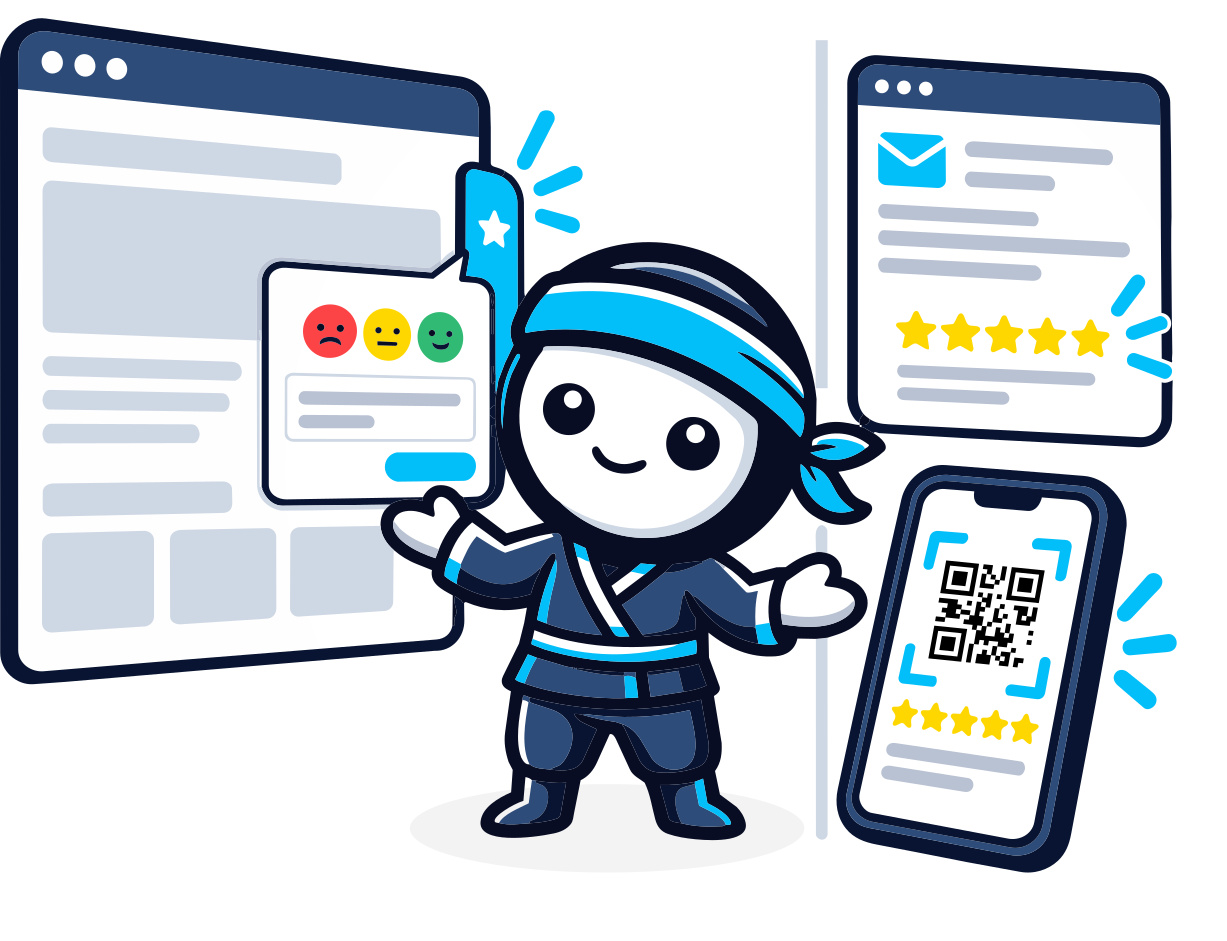

Quick Answer
What Is a Feedback Widget for a Website?
A website feedback widget is an embedded button, tab, pop-up or survey component that lets visitors submit feedback while using a website. Businesses use widgets to collect comments, satisfaction ratings, bug reports or page-specific feedback. Effective widgets are easy to find without disrupting the user journey, ask only what is necessary and route responses into a process where the business can review and act on them.

The Problem
Why Website Feedback Is Often Missed
Analytics can show what visitors do, but they do not always explain why a visitor was confused, frustrated or satisfied.
Visitors leave without explaining why they could not complete a task.
Contact forms are too broad for quick feedback.
Long surveys interrupt the website journey.
Feedback is not tied to the page or interaction where the issue occurred.
Businesses collect comments but have no process for reviewing them.
Mobile widgets can obstruct important website content.
The best feedback setup asks one clear question in the right place, then routes the answer to someone who will act on it.

Why It Matters
Why Website Feedback Matters
Understand the Journey
Direct feedback adds context to behavioural analytics by explaining what visitors found useful or difficult.
Identify Website Friction
Page-level comments can reveal confusing content, broken journeys or missing information.
Create Faster Improvement Loops
Short, targeted feedback helps teams prioritise recurring website problems.
Connect Experience and Reputation
Website feedback, email feedback and public reviews are different channels, but together they give a broader view of customer experience.
How It Works
How a Website Feedback Widget Works
Choose the Feedback Goal
Decide whether you need satisfaction ratings, open comments, bug reports, page feedback or another specific input.
Select the Right Placement
Choose where the widget appears and avoid blocking navigation, checkout, forms or important mobile content.
Keep the Survey Short
Ask only the questions needed for the goal. Use optional comments when more context would help.
Route Feedback to the Right Team
Define who reviews responses and how urgent issues, product feedback or service complaints are handled.
Measure and Improve
Look for repeated themes, test changes and keep collecting comparable feedback after improvements are made.
The TrustNinja Solution
Build a Wider Customer Feedback Process with TrustNinja
Website feedback is one channel. TrustNinja adds feedback touchpoints in the emails your team sends and at physical locations, through its Email Signature Survey and QR Code Feature, supported by review-management workflows.
Email Signature Survey
- What it is
- A feedback prompt built into everyday business email.
- How it works
- Customers can respond from a normal email interaction.
- Business outcome
- Creates a recurring feedback opportunity alongside your website.
QR Code Feedback
- What it is
- Scannable feedback touchpoints for physical interactions.
- How it works
- QR codes can be placed on counters, receipts and printed material.
- Business outcome
- Captures feedback from customers who never visit your website.
Customer Feedback
- What it is
- Structured input from customers about their experience.
- How it works
- Feedback is collected at consistent points in the customer journey.
- Business outcome
- Helps a business understand service strengths and recurring problems.
Review Invitations
- What it is
- A structured process for inviting genuine customers to share feedback or reviews.
- How it works
- Review opportunities are built into appropriate customer touchpoints.
- Business outcome
- Reduces reliance on staff remembering one-off requests.
Review Monitoring
- What it is
- An organised approach to keeping review activity visible.
- How it works
- Review and feedback activity is tracked in one place.
- Business outcome
- Helps teams respond and identify recurring customer themes.
Reputation Management
- What it is
- An ongoing process for collecting genuine feedback and monitoring public reviews.
- How it works
- Feedback, reviews and responses run as one repeatable process.
- Business outcome
- Moves reputation management from reactive to repeatable.

Who This Is For
Who Can Use TrustNinja?
Website feedback tools help businesses understand their digital experience. TrustNinja complements that with email and QR-code feedback channels.
Service Businesses
Collect feedback after enquiries and customer communication.
E-commerce Businesses
Use website feedback for shopping friction and email or QR feedback for post-purchase experiences.
SaaS and Online Services
Collect page or product-experience feedback alongside support communication.
Hospitality
Use website feedback for booking journeys and QR or email feedback for guest experiences.
Professional Services
Use website feedback for enquiry journeys and email feedback during client communication.
Multi-Location Businesses
Combine central website feedback with location-specific QR or review touchpoints.
Compare
Website Feedback Widget vs Email Signature Survey
| Website Feedback Widget | Email Signature Survey | |
|---|---|---|
| Where it appears | On website pages | In business email signatures |
| Best timing | During website use | During or after email communication |
| Context | Page or digital journey | Customer-service or relationship interaction |
| Typical input | Page feedback, comments, satisfaction | Interaction and customer feedback |
| Audience | Website visitors | Email recipients |
These are complementary feedback channels rather than direct substitutes.